
 EN
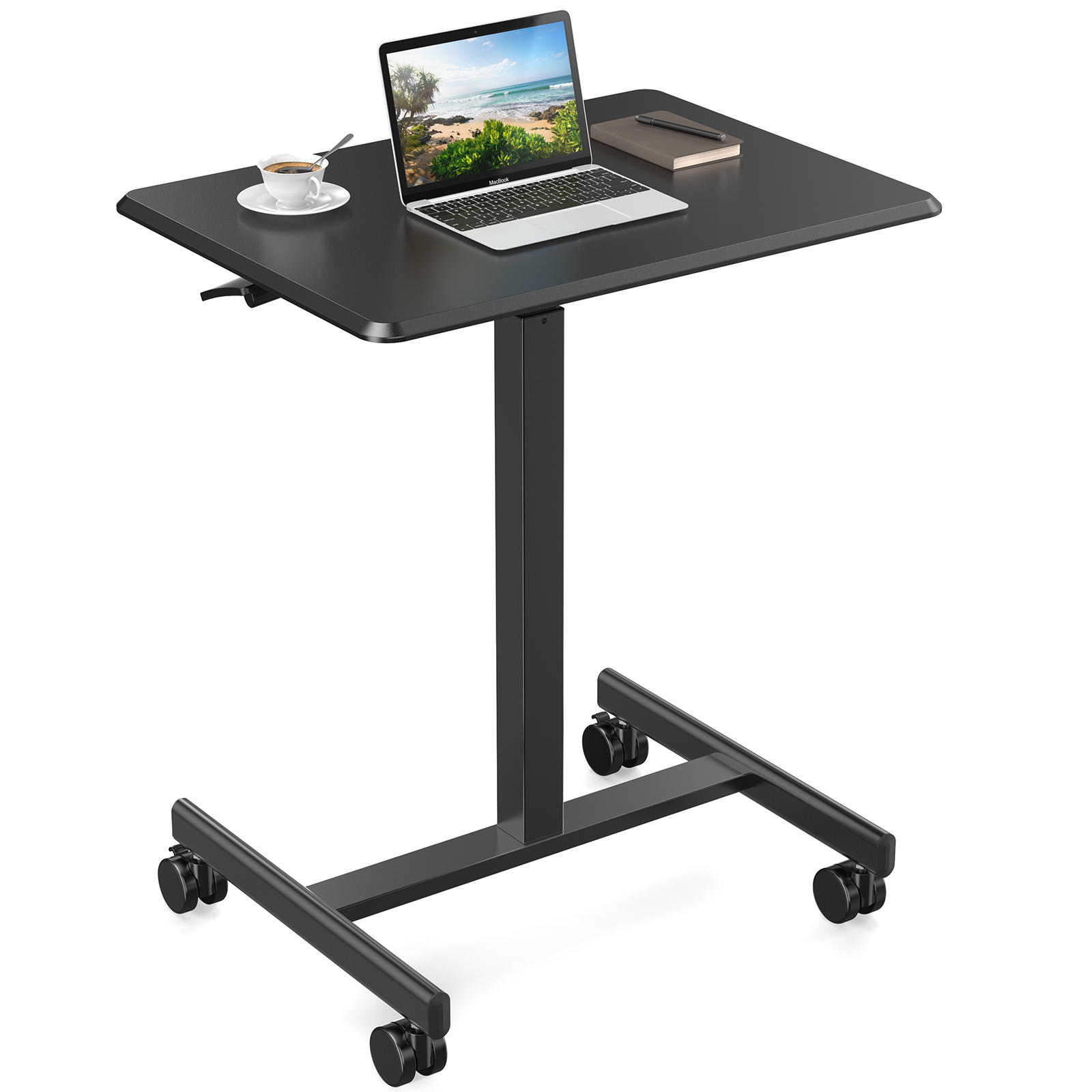
A buyer emails a drawing and a sample leg, asking for a custom height adjustable table built to match both. The drawing marks a long stroke, a telescopic column, and a desktop that must clear a fixed cable tray. Before any quote, the engineering desk measures the sample, reads the tolerance notes, and maps each callout to a bend, a weld, or a bought-in linear actuator. A prototype follows within the same review cycle, so the buyer can hold the frame rather than judge a spec sheet. That drawing-to-prototype loop is where an OEM height adjustable table project either holds together or starts to drift.
A Sample Arrives: Reviewing the Custom Height Adjustable Table Drawing
Where the Drawing Leaves Room for Interpretation
A drawing rarely settles every question on a custom height adjustable table. A buyer may dimension the desktop and the leg footprint but leave the column stroke, the control box position, or the cable exit open. On one OEM review, the sample leg carried a weld tab the drawing never showed, which changed how the crossbeam seated. Rather than guess, the engineering desk logged each open callout, returned a marked-up sheet, and waited for confirmation before releasing a cutting program.
Measuring the Sample Before Cutting Steel
The Luoyang workshop, founded in 1992, covers 30,000 square meters and holds a monthly output of 10,000 pcs across steel office furniture lines. For a sample-driven custom height adjustable table, the team records the leg sections, the gauge, and the bend radii before CNC bending starts. A caliper reading that differs from the drawing is flagged, not averaged away. The sample then travels to laser cutting and bending machines as a physical reference, so the frame matches the piece the buyer shipped.
Why Do OEM Height Adjustable Table Prototypes Diverge From the Drawing?
A Quote Is Not a Prototype
Risk enters when a buyer accepts a quote as proof that a custom height adjustable table will work. A price sheet lists a stroke and a load rating, yet neither shows how the frame behaves at full extension with monitors mounted. Quoting before a prototype also hides interface problems: a control box that fouls a modesty panel, or a cable route that binds as the column rises. The safer sequence is a quote followed by a sample build, with sign-off before volume tooling.
The Longer the Stroke, the Tighter the Frame Tolerance
A long stroke is easy to specify and hard to carry. As travel increases on a custom height adjustable table, overlapping column sections spend more of their range with less engagement, and any play in the guides shows up as wobble at the desktop edge. Frame stability then depends on crossbeam depth, foot length, and the welds joining them, not on the actuator alone. A prototype at full stroke exposes that sway, telling the team to add a reinforcement rib before the drawing is finalized.
How Does a Dual Motor Column Keep a Sit-Stand Frame Steady?
The Dual Motor Column That Keeps Both Legs Synchronized
In a dual motor layout, each leg carries its own linear actuator and the control box drives both from one command, so the desktop rises level instead of racking. That suits a wide custom height adjustable table where a single central drive would twist under an uneven load rating. Synchronization depends on matched actuator speeds and a feedback signal the control box can read. Engineers verify the pairing by cycling the column with an off-center load and confirming the motors cut together at the stroke limits.
What the Control Box Does That the Actuator Cannot
The linear actuator supplies force, but judgment belongs to the control box. On a custom height adjustable table, anti-collision logic watches current draw or a sensor signal and stops or reverses travel when the desktop meets an obstacle such as a cabinet or a knee. The same box stores height presets, soft-start ramps, and a duty limit that keeps the motors from overheating across repeated cycles. During OEM review, the buyer should state where the board mounts and how the cable reaches it.
On Standards and Daily Use: Verifying an OEM Table Build
Standards Give the Prototype a Measurable Target
Standards give a prototype a target both sides can measure against. ANSI/BIFMA X5.5 covers desk and table products, while ANSI/BIFMA G1 addresses the height adjustability a sit-stand custom height adjustable table relies on; together they frame load, stability, and range checks. ISO 9001 sits behind the documentation trail, so a drawing revision, a bending program, and an inspection record trace to one controlled process. Electrical safety in the workplace falls under OSHA 29 CFR 1910 Subpart S. NFPA 70, the National Electrical Code, is the reference for wiring and protection around the drive system and control box. Naming these in the prototype report keeps the review technical rather than promotional.
Buying a custom height adjustable table: state the stroke, the load rating, the desktop size, and the control box position in the request, and ask whether the quote covers a prototype. Name the linear actuator and dual motor layout in the drawing. Confirm the finish and CNC bending tolerances before a deposit, since those settle more easily on paper.
Inspecting the custom height adjustable table on arrival: measure the stroke at both ends of travel, check that the frame sits level, and confirm the control box and anti-collision response with a light obstruction. Review the weld seams, powder coating, and CNC bending radii against the approved sample. Record any gap before service.
Using the custom height adjustable table: keep the desktop load within the stated load rating and distribute weight evenly. Let the anti-collision function work by leaving the underside clear of drawers that could trap a rising edge. Train users to hold the switch through the full stroke, and keep the sit-stand presets consistent so the dual motor column does not correct a tilted deck.
Maintaining the custom height adjustable table: wipe the column sections clean so grit does not score the guides, and retorque the frame bolts after the first weeks of cycling. Listen for a change in actuator tone, which can signal a binding guide. Recheck the control box connections and anti-collision behavior during inspections, and log each stroke-limit adjustment for the next technician.
Frequently Asked Questions
Q: What should a buyer send to start an OEM height adjustable table project?
A: A dimensioned drawing or a physical sample is the starting point, along with the intended stroke, the load rating, the desktop size, and the control box position. Finish color, cable routing, and any anti-collision requirement belong in the same package. When a sample is shipped, noting which dimensions are fixed and which are open saves a round of questions before the prototype is cut.
Q: How is the stroke chosen for a sit-stand workstation?
A: Stroke is matched to the seated and standing elbow heights of the people who will use the desk, then checked against the desktop and monitor arm thickness. ANSI/BIFMA G1 gives the ergonomic basis for that range, while ANSI/BIFMA X5.5 frames the table product checks. A buyer should state the target range in the drawing rather than accept a default column, since a longer stroke can reduce frame stability at full extension.
Q: When does a dual motor column matter more than a single actuator?
A: A dual motor layout earns its place on wide desktops or where the load is not centered, because each leg drives its own linear actuator and the control box keeps both in step. A single central drive can rack the frame under an off-center load. Buyers planning heavy monitor arrays, shared benches, or an uneven desktop should specify the dual motor arrangement early so the crossbeam and foot design follow.
Q: What does anti-collision protect on a powered table?
A: Anti-collision watches for a sudden rise in motor current or a sensor signal and stops or reverses the desktop before it traps an object or a hand. It protects drawers, cable trays, chair arms, and knees that sit under or beside the frame. During a prototype review, the buyer should test the response with a soft obstruction and confirm the control box resets cleanly afterward rather than needing a power cycle.
Q: Which standards apply to the electrical side of a powered desk?
A: OSHA 29 CFR 1910 Subpart S addresses electrical safety in the workplace, and NFPA 70, the National Electrical Code, is the reference for wiring and protection around the drive system. ISO 9001 covers the documented process behind each build, while ANSI/BIFMA X5.5 and G1 cover the table product and its height adjustability. Naming them in the prototype report keeps the review grounded in published references.
Q: How should a prototype be checked before production approval?
A: Measure the stroke at both travel limits, load the desktop to the stated rating, and watch for sway at full extension. Cycle the column repeatedly, confirm the control box and anti-collision response, and compare weld seams, coating, and CNC bending radii against the approved sample. Any difference should be logged and corrected on the drawing before tooling for volume is released, so the production run repeats the unit that was signed off.